01
Notice something?
Capture it.
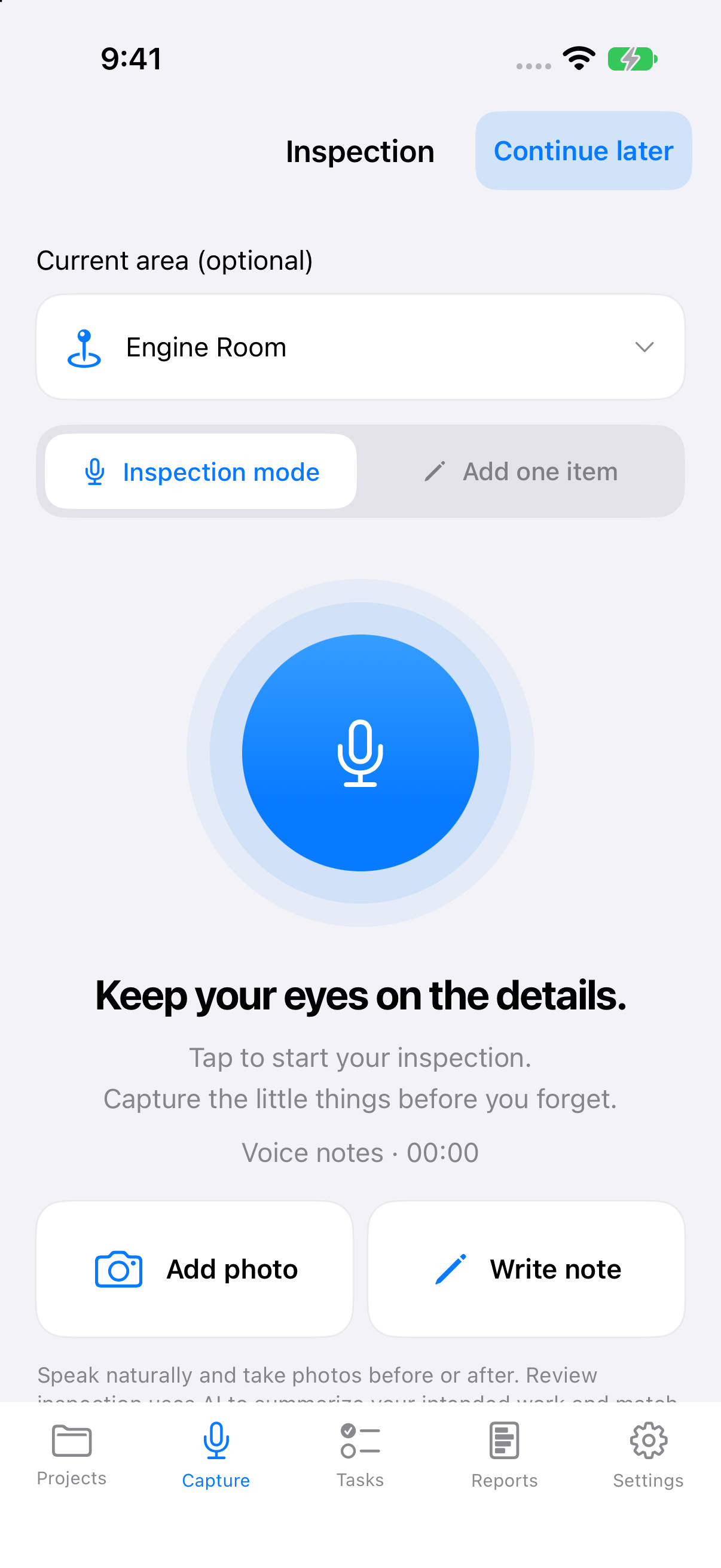
Speak your notes as you walk. Add a photo or write down a detail while it’s fresh. Choose an area to keep the context together.
See CaptureTurn a walkthrough into a plan you can act on. Capture photos and spoken notes on your iPhone. Review the work in your web dashboard, on your own or with your team.
SOUND FAMILIAR?
A photo in your camera roll. A note you meant to write. A job mentioned in passing. By the end of a walkthrough, the details are scattered.
 What needed checking here?
Loose hinge.
Which cabinet?
FROM WALKTHROUGH TO WHAT’S NEXT
A simple flow that follows the way you work.
Speak your notes as you walk. Add a photo or write down a detail while it’s fresh. Choose an area to keep the context together.
See CaptureReview your observations. Edit the wording, group the work by area and category, and save the inspection to a project—or on its own.
See ReviewKeep track of what needs doing and what’s complete. Preview a report or inspection checklist, then share or save it as a PDF.
See Reports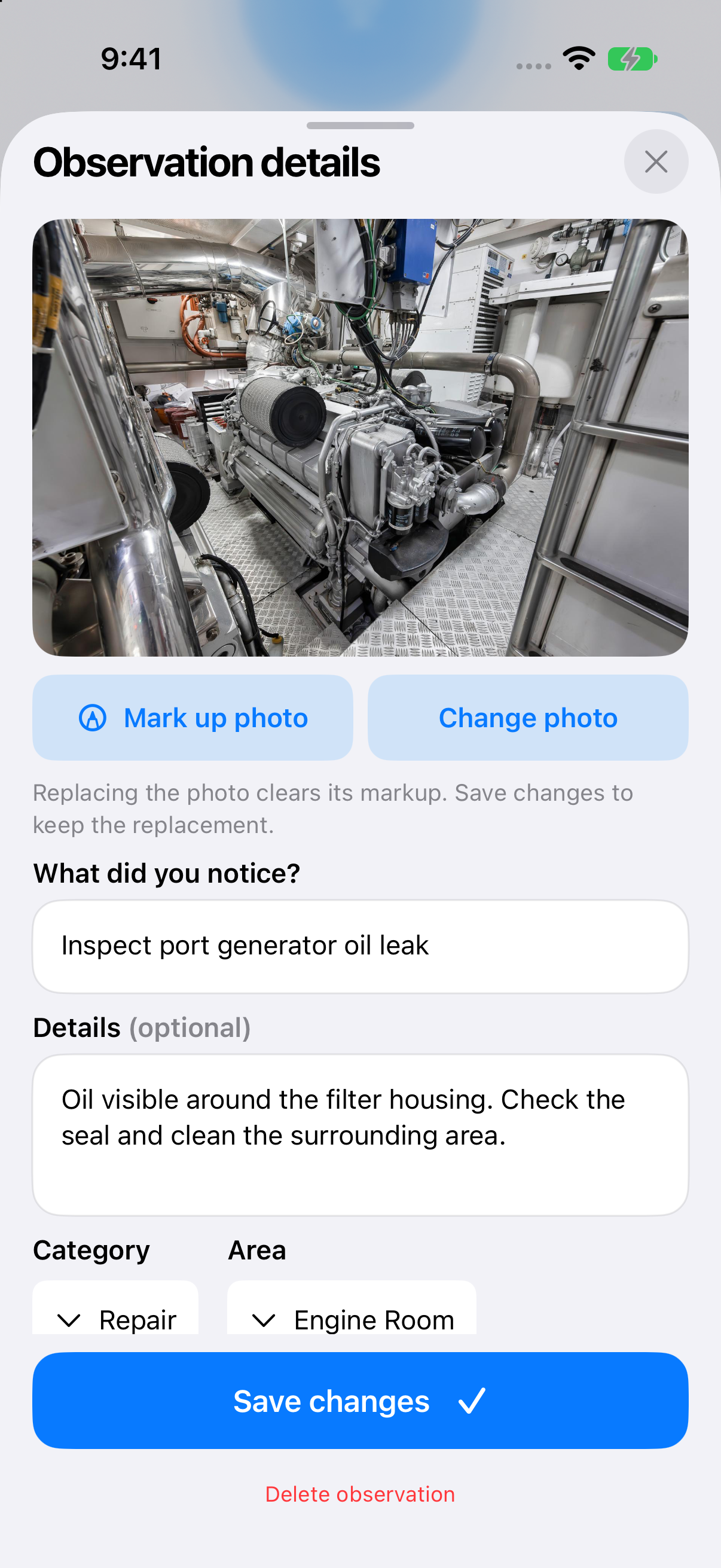
LESS ADMIN. MORE FOLLOW-THROUGH.
Keep photos and notes with the observation. Use photo markup to point out exactly what needs attention.
Continue later with a saved draft. Keep inspections together in projects for each boat, property, or job.
Separate repairs, cleaning, and organizing. Find work by area, mark tasks complete, and share the details in a report.
A CLOSER LOOK
Explore the screens using the app’s built-in demo inspection. Choose a step below.
ALSO ON THE WEB · BUILT FOR TEAMS
Your iPhone is where the work starts. The web dashboard gives you and your team a shared place to review synced inspections, organize projects, and prepare reports.
YOUR FIELDWORK, ALL TOGETHER
Everything you captured. Ready for a closer look.
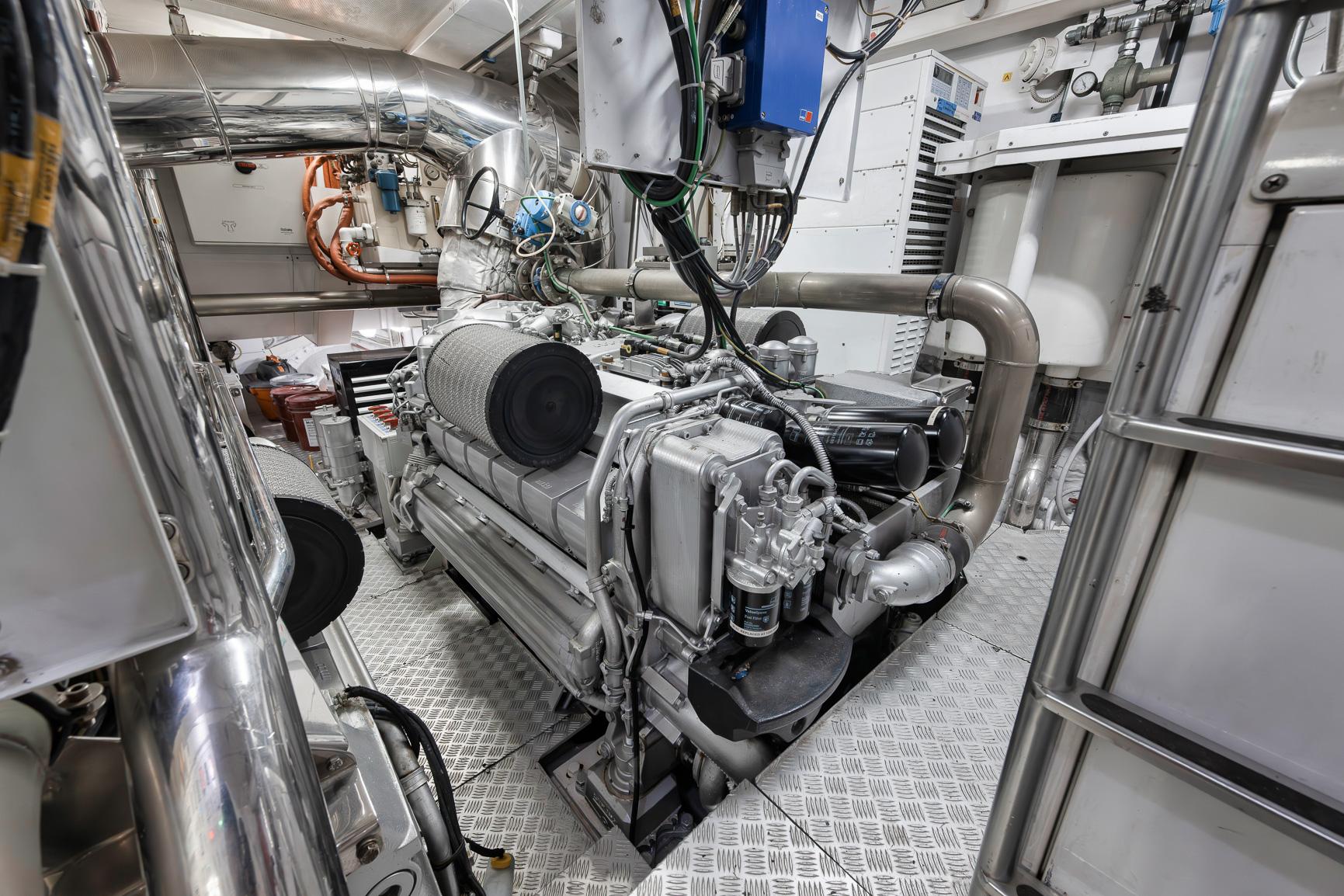
ENGINE ROOM SERVICE
Photos, observations, and the next steps.
Keep the photo and notes with the work so the next person has the context.
Open taskOwner, admin, member, and viewer roles.
Find synced inspections and photos in one browser workspace. Review the details and prepare a clear report.
Create a workspace for your business. Invite teammates with a link tied to their email address.
Owners and admins manage the workspace. Members and viewers get access to the projects you choose.
Each team workspace currently includes five seats. Access must be enabled for each participant, and no payment is collected. Sign in, choose New workspace, then use Team & settings to invite your team.
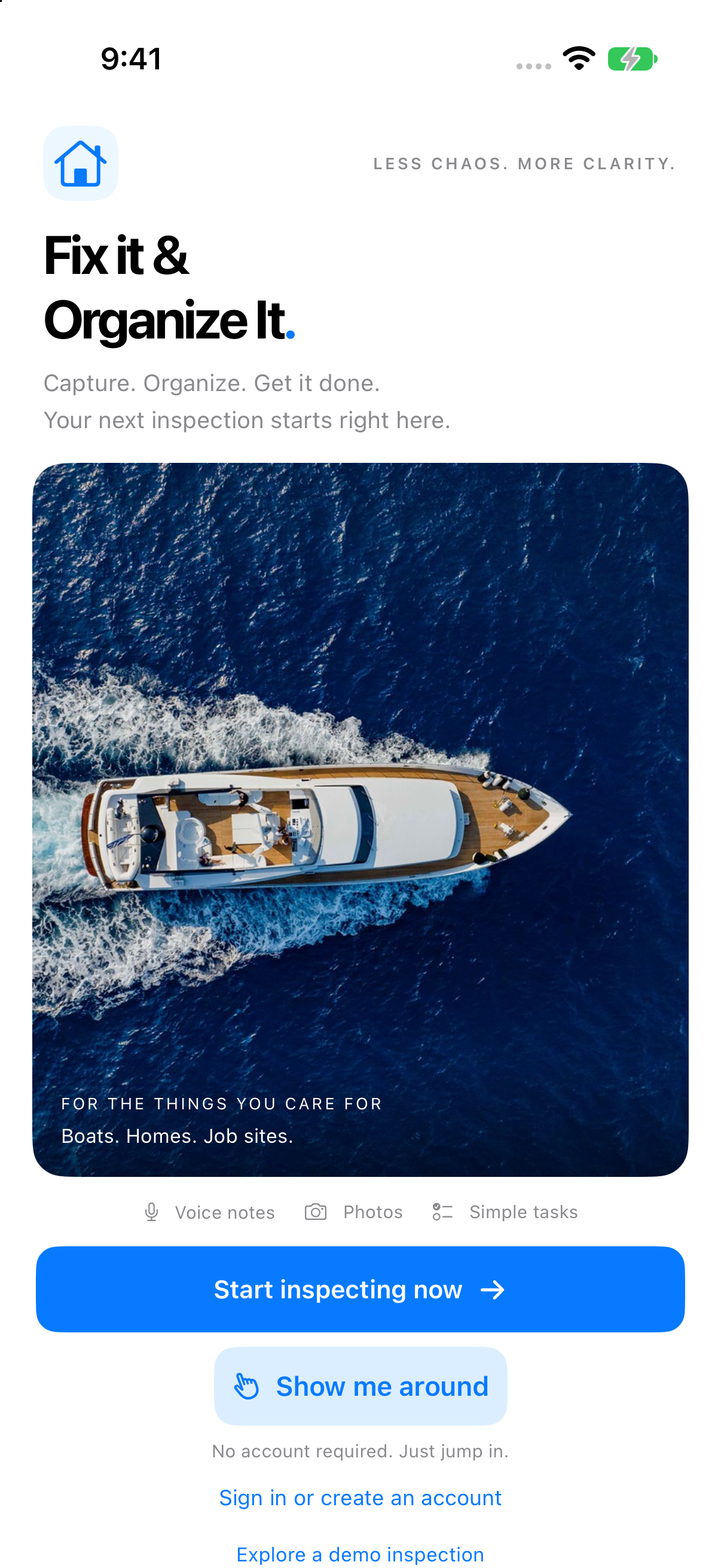
FOR THE THINGS YOU CARE FOR
Keep engine room checks, interior repairs, and maintenance observations together.
Turn a room-by-room walkthrough into a manageable list of fixes and improvements.
Capture the details of a site visit and share what needs attention in one clear report.
A FEW THINGS TO KNOW
A little more about getting started and keeping your work organized.
Anyone looking after a boat, home, property, or job site who needs a clear record of what needs attention. Use it to capture observations during a walkthrough, organize the work, and share the details.
Yes. The web dashboard has personal and team workspaces, inspection and project review, invitations, and project access by role. It is currently available in a private pilot with five seats per team workspace. Log in to the dashboard or compare proposed launch plans.
You can start a local inspection on your iPhone without an account or a project. To use the web dashboard and team workspaces, sign in with your Fix It & Organize It account. The app also has a built-in demo inspection.
Yes. Capture spoken notes during your inspection and add photos as you go. You can also type observations, add an area and category, and mark up photos to highlight the detail you want someone to notice.
Choose Continue later to keep the inspection as a draft. Reopen it from Projects when you’re ready. You can also save an inspection without assigning it to a project.
Yes. Preview a report with photos and notes, or choose an inspection checklist. Use the native sharing and print options to send it or save a PDF.
Inspections are saved on your iPhone. Online services, including cloud sync and cloud AI, need an internet connection. Check the upload status in the app before relying on an online copy.
The App Store link is coming soon. In the meantime, explore the screenshots and walkthrough on this page to see how the app works.
YOUR NEXT WALKTHROUGH, SORTED.
Give every observation a clear next step.